
Pair a Personalized Song With Photos Without Overloading the Story
Plan a simple song-and-photo sequence using a small image set, readable pacing, and the final audio as your timing reference.
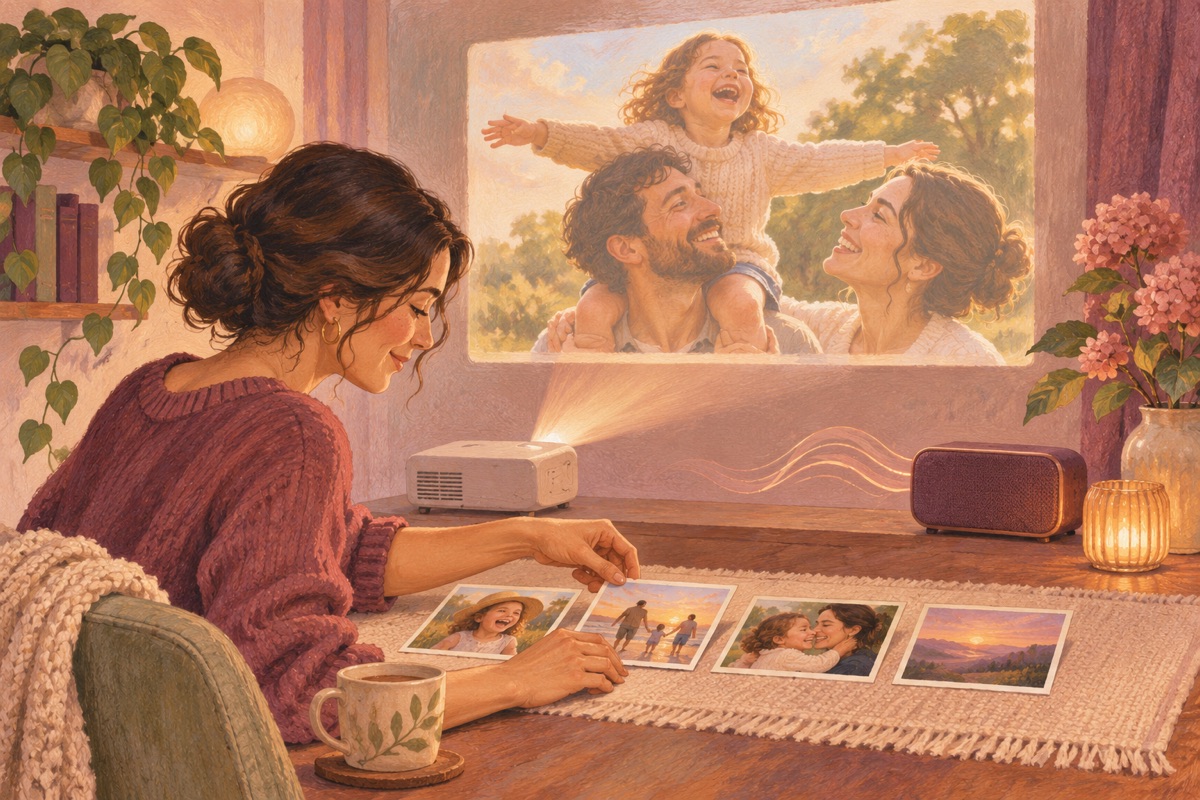
A photo presentation can deepen a song when the images support its story. It can also distract if every line triggers a new photograph or if viewers are asked to read long captions while listening to lyrics. Choose a small set of images and let each one do a clear job.
A useful approach
Finish the song before timing the pictures. The final audio determines where a scene begins, where the chorus returns, and where the ending needs space. Use whichever editor is available to you; this is a presentation plan rather than a promise about a specific automatic video feature.
For a concrete occasion to apply this approach, read Make a Travel-Memory Song From the Moments Between Landmarks.
An example brief to adapt
The names and memories below are illustrative. Replace them with your own details and use the available story and style fields; exact musical instructions are not guaranteed.
Write an original warm acoustic song to accompany a short family photo sequence. The story begins with a shared kitchen, moves to a windy picnic, and returns to a recent gathering at the same table. Use clear sections and a chorus about making time together. Do not mention every image or require exact visual cuts at specific timestamps.
Select images by role
Choose an opening image that establishes the people or setting, a few images that carry the memories, and a closing image that feels present. Avoid near-duplicates unless the change between them has meaning. Check that the people pictured are comfortable with the intended audience.
Keep captions secondary
Names, a short date label, or a brief closing message may be enough. Long paragraphs compete with sung words. If a story needs explanation, put it in the accompanying note rather than forcing viewers to read it during an emotional line.
Test the finished presentation
Watch the entire export on a phone and, if relevant, the screen used at the event. Check image orientation, cropping, audio level, and the last few seconds. Save the final file and original photos separately. A simple, readable sequence is more useful than elaborate transitions that obscure the memories.
Related reading
- Put a Song on a Gift Card With a QR Code That Actually Works
- How to Review AI Song Lyrics Before You Send the Gift
Make it your own
When your story is ready, start creating your song. You can check the current options before choosing how to complete the gift, or browse more song-gift ideas.